What PettyLedger actually does.
No feature-cloud. No fake enterprise matrix. These are the workflows in the current app.
AI is the first draft. You are the approval step.
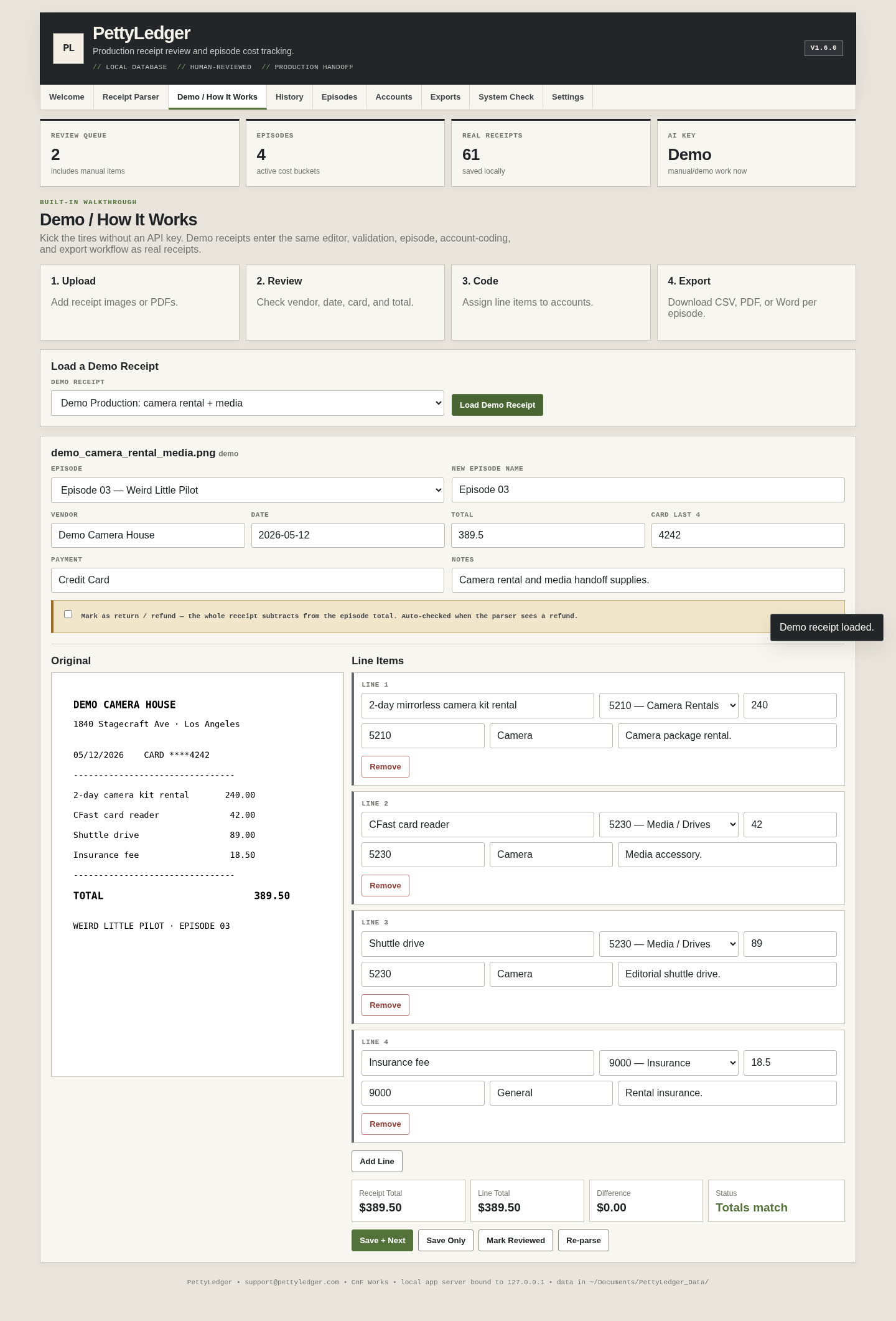
Upload PNG, JPG/JPEG, WebP or PDF receipts. The parser extracts vendor, date, total, payment details and line items. The source receipt remains visible next to the editor.
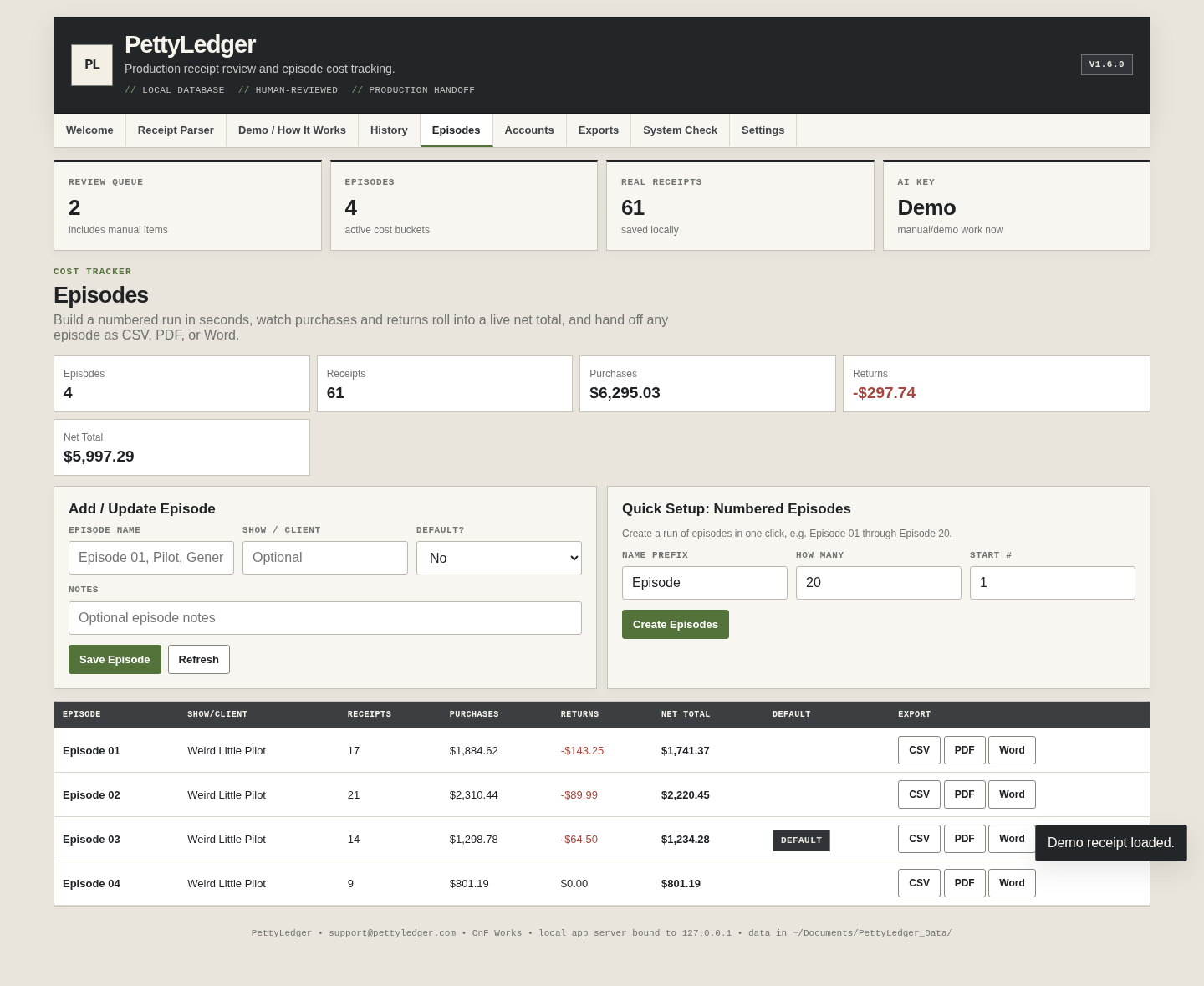
Stop making episode totals by filtering the same master sheet over and over.
Create episodes one at a time or use Quick Setup for a numbered run. Each episode tracks receipt count, purchases, returns and net total.
Every episode can leave PettyLedger as CSV, a formatted PDF report, or a Word document.
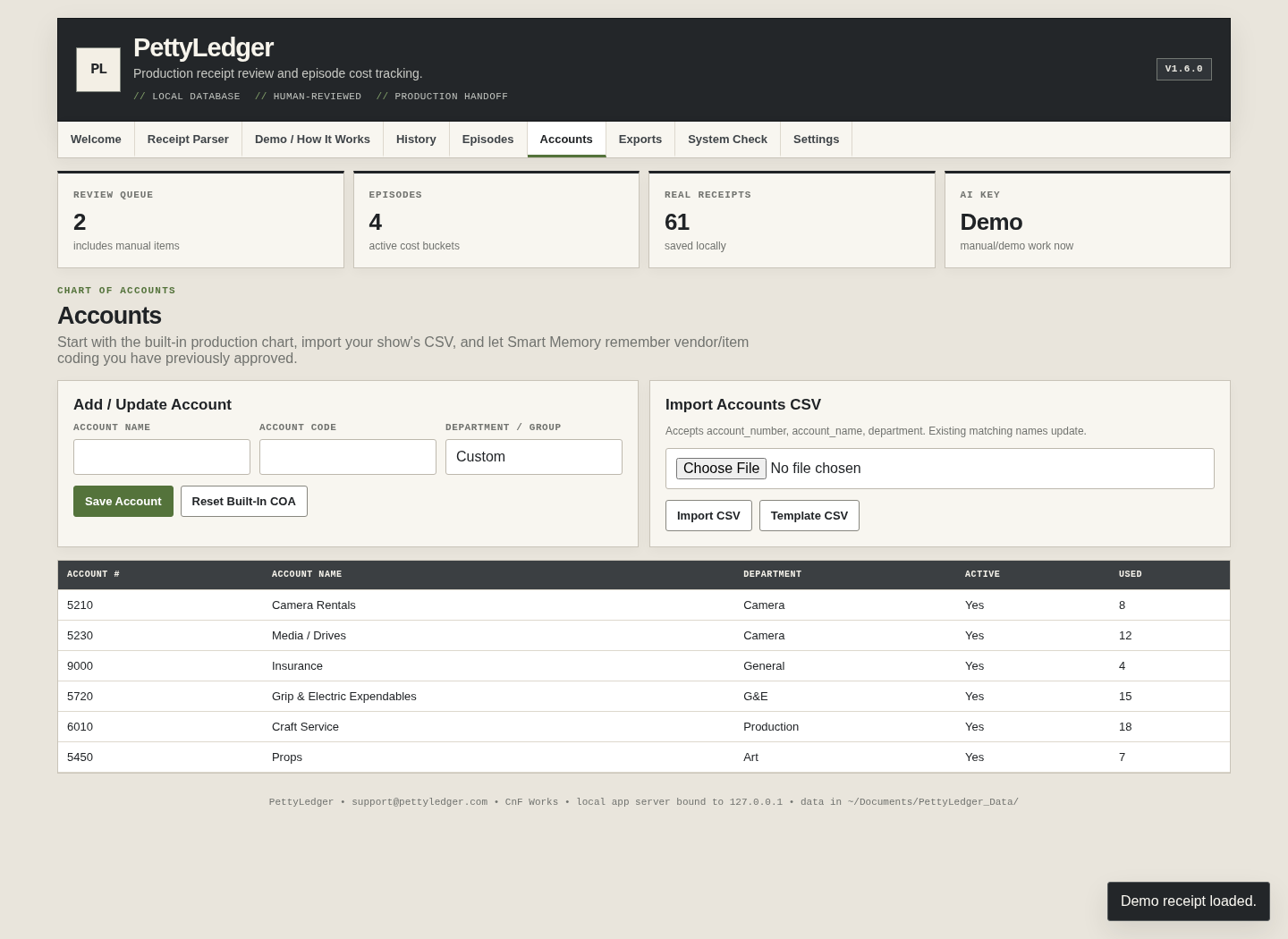
A starter production chart, plus your own.
PettyLedger ships with production-oriented accounts, but they are a starting point—not a claim that every show uses the same chart. Add/edit accounts directly or import a CSV from the actual production when you have one.
Smart Memory remembers vendor/item coding you have approved and can pre-fill familiar work later. You can inspect or clear that memory in Settings.
Ordinary files, not lock-in.
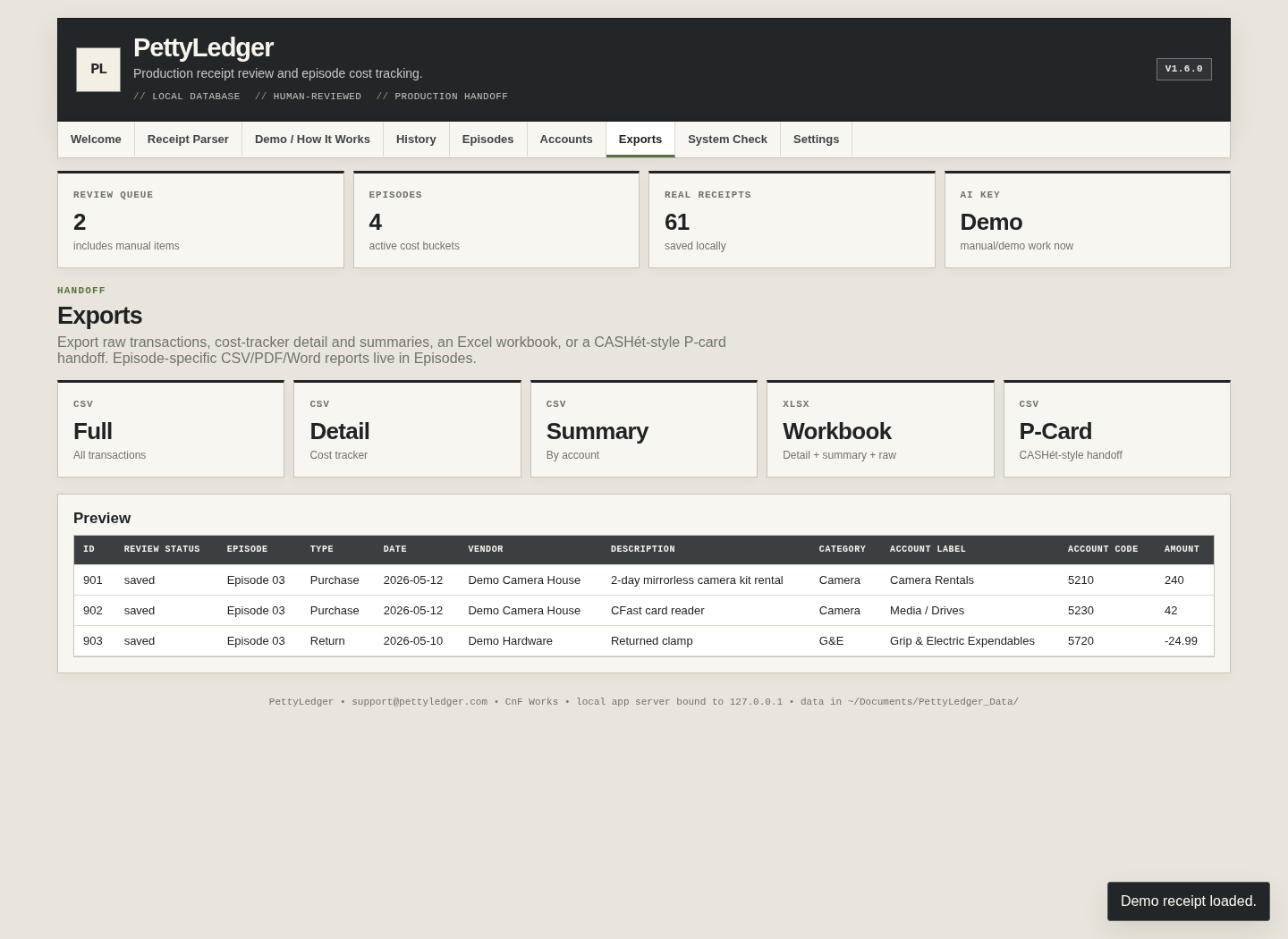
The global Export screen includes full raw CSV, cost-tracker detail CSV, summary CSV, an XLSX workbook and a CASHét-style P-card handoff CSV. Episode reports add CSV, PDF and Word.
History also has a genuinely filtered CSV download using the filters currently on screen.
The boring things that make a free tool usable at work.
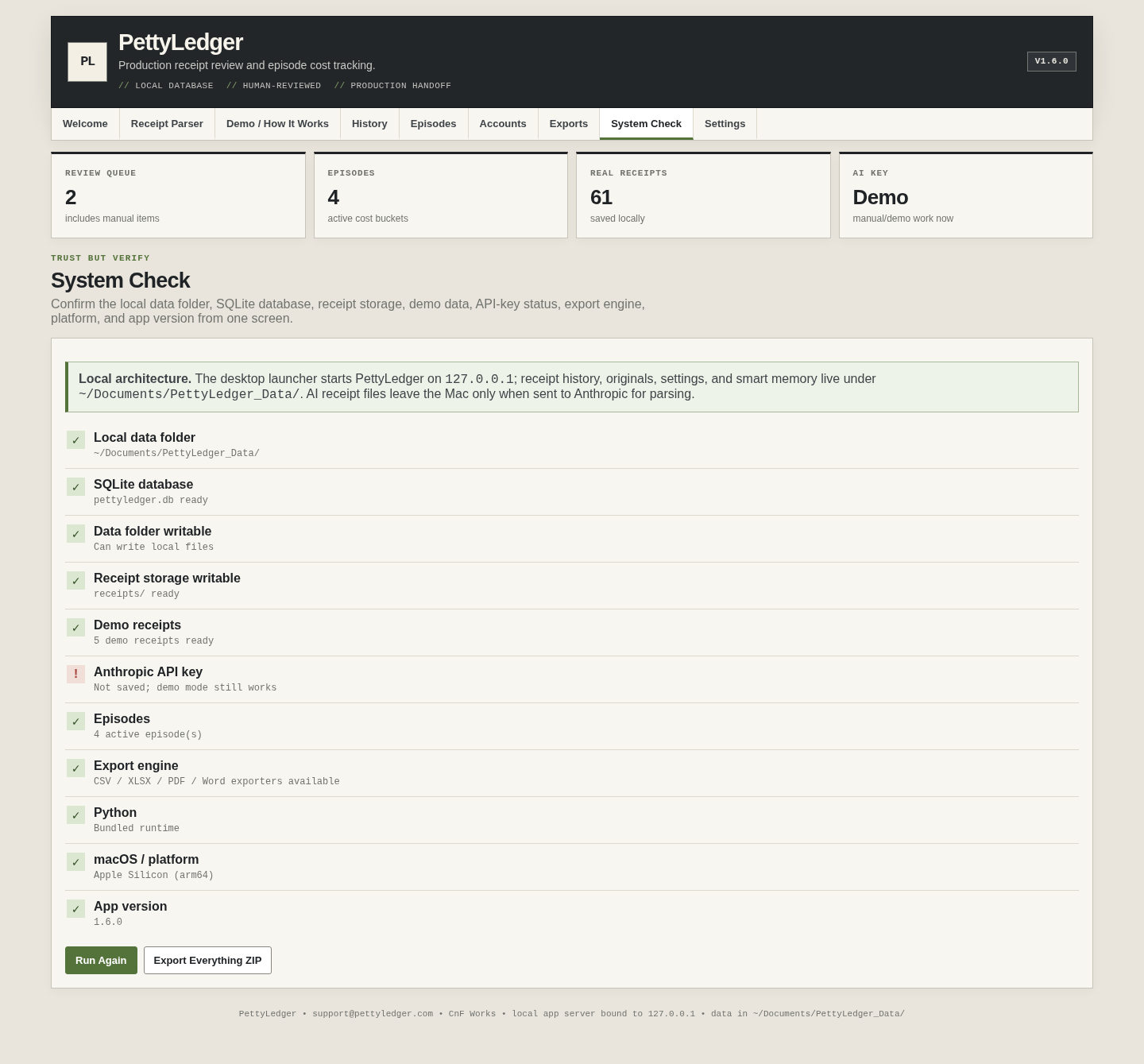
System Check verifies the local database, data folder, receipt storage, demo data, API-key status, export engine, platform and app version.
Export Everything ZIP creates a local backup containing the database, originals and generated report files. Settings also exposes the precise data directory and lets you clear demo records or Smart Memory.